Virtual Wedding Dress Try-On
Found a gown online? Upload a photo of yourself and a picture of the dress to see an AI preview of how the style could look on you. It is a visual preview, not a fitting.
Upload your photo and the wedding dress
Upload one full-length photo of yourself and one picture of the gown. A gown on a mannequin or a model works best.
Advanced settings: Nano Banana 2, 3 credits, 1K
Output aspect ratio
Drop person photo here
- or -
Click to Upload
Drop clothing reference photo here
- or -
Click to Upload
One clothing photo per generation. A flat lay or clear model photo works best.
No result yet. Upload your images and click Generate to see the edited photo.
Sign-in required. This model uses 3 credits per image. Resolution depends on the model and aspect ratio. Credit and download details
Real wedding dress try-on results
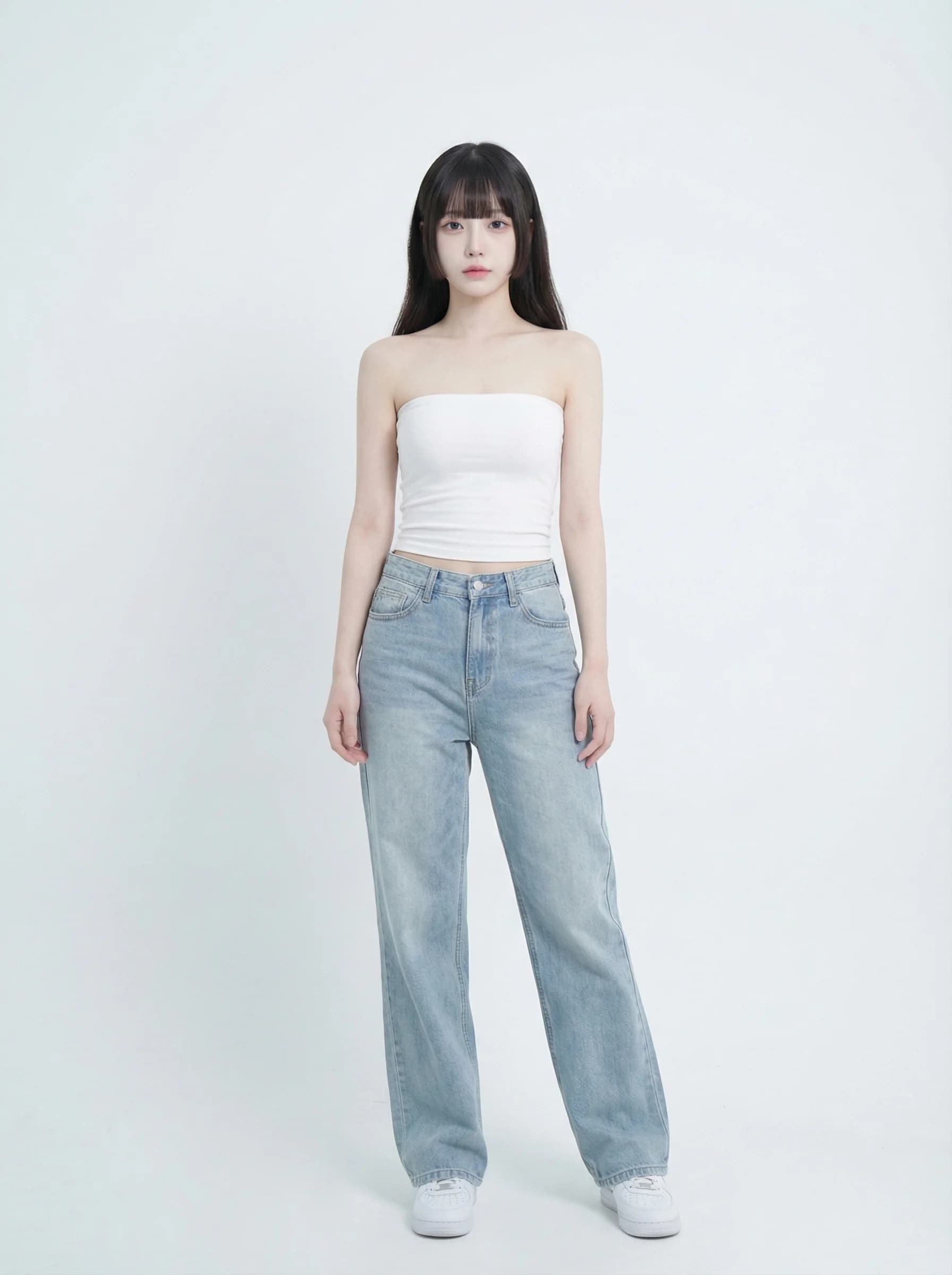
Both results use the same lace A-line gown as the reference and were generated with Nano Banana 2. These are selected attempts, not a guarantee of the same result.
Lace A-line gown on a casual photo
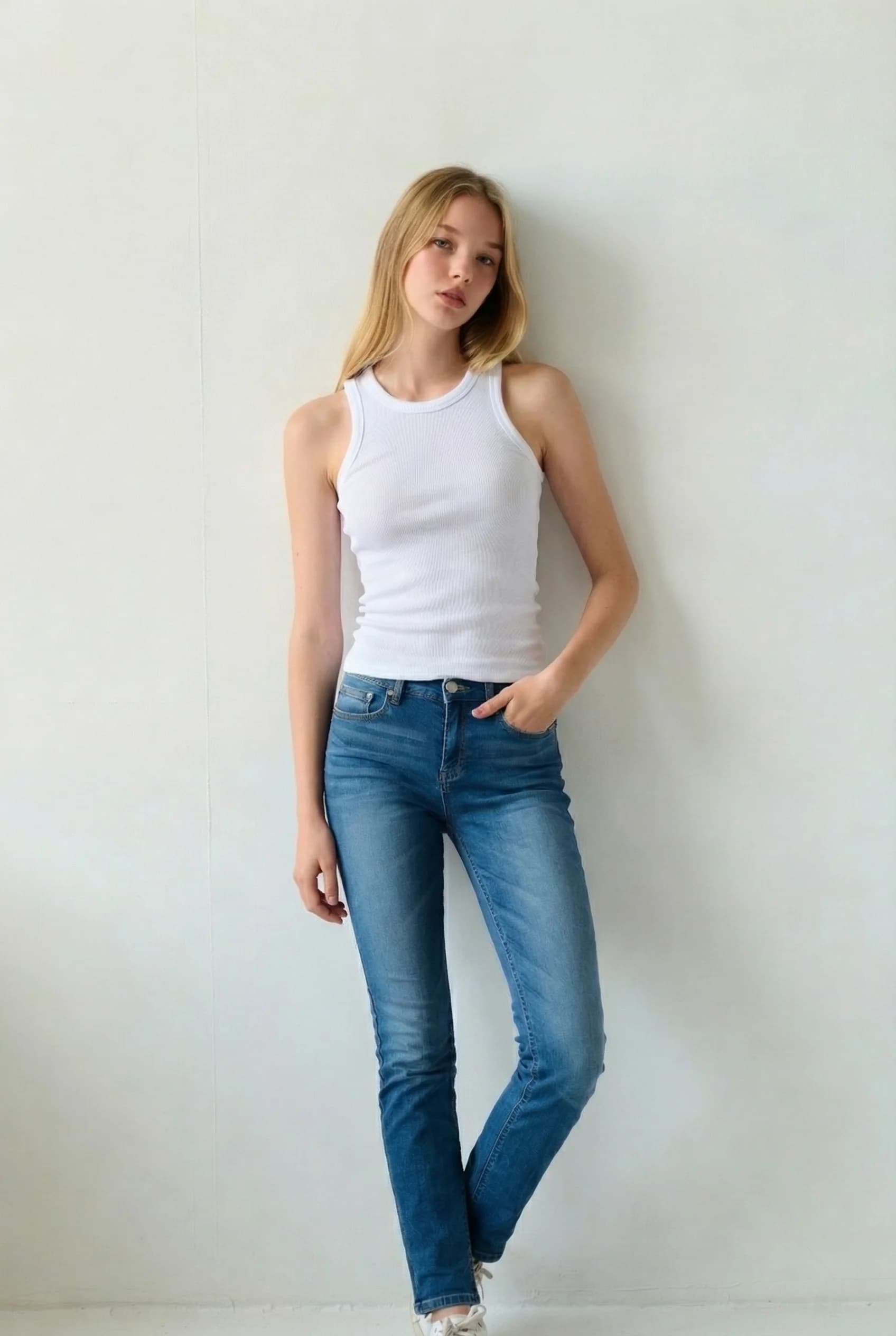
Your photo
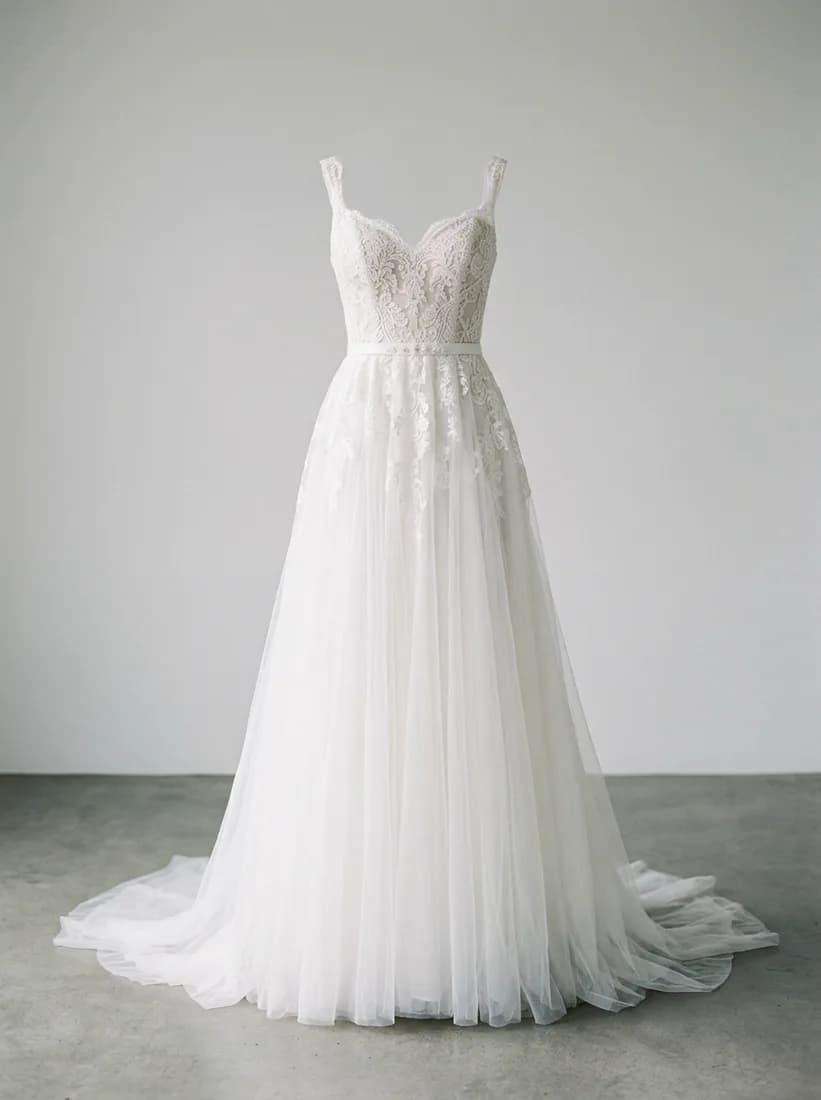
Wedding dress
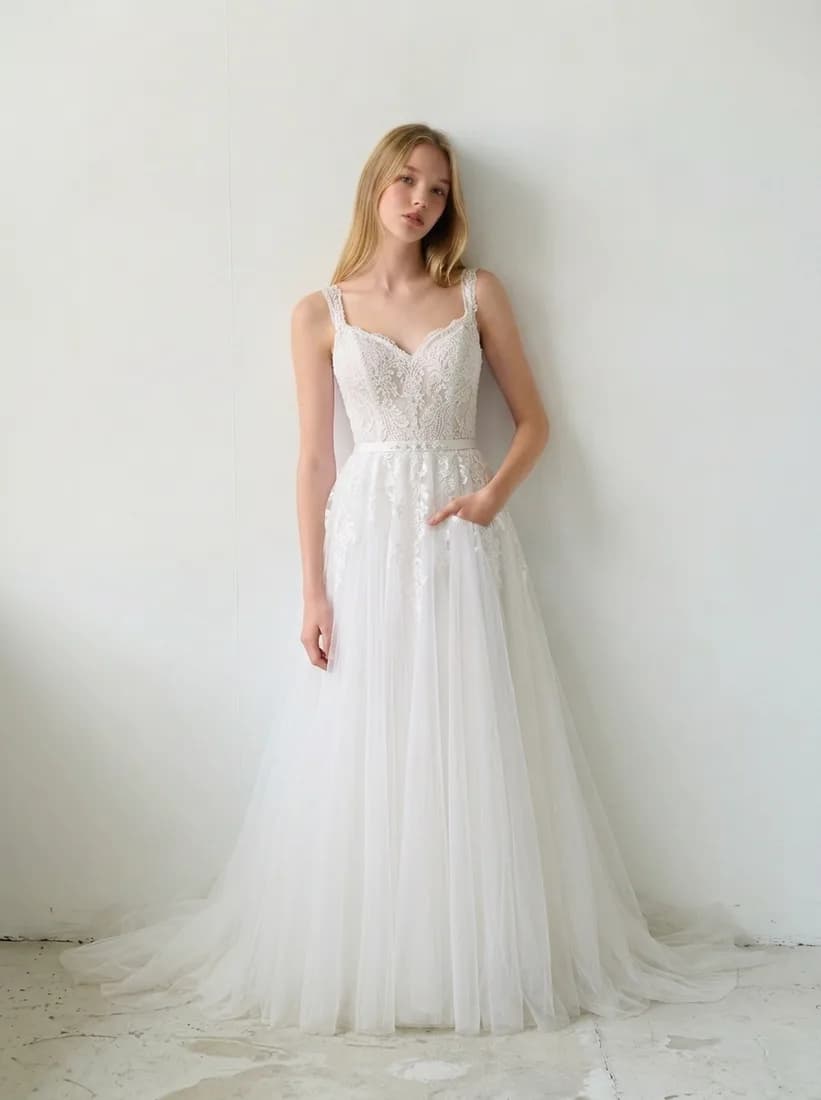
AI preview
Same gown, different person
Your photo
Wedding dress
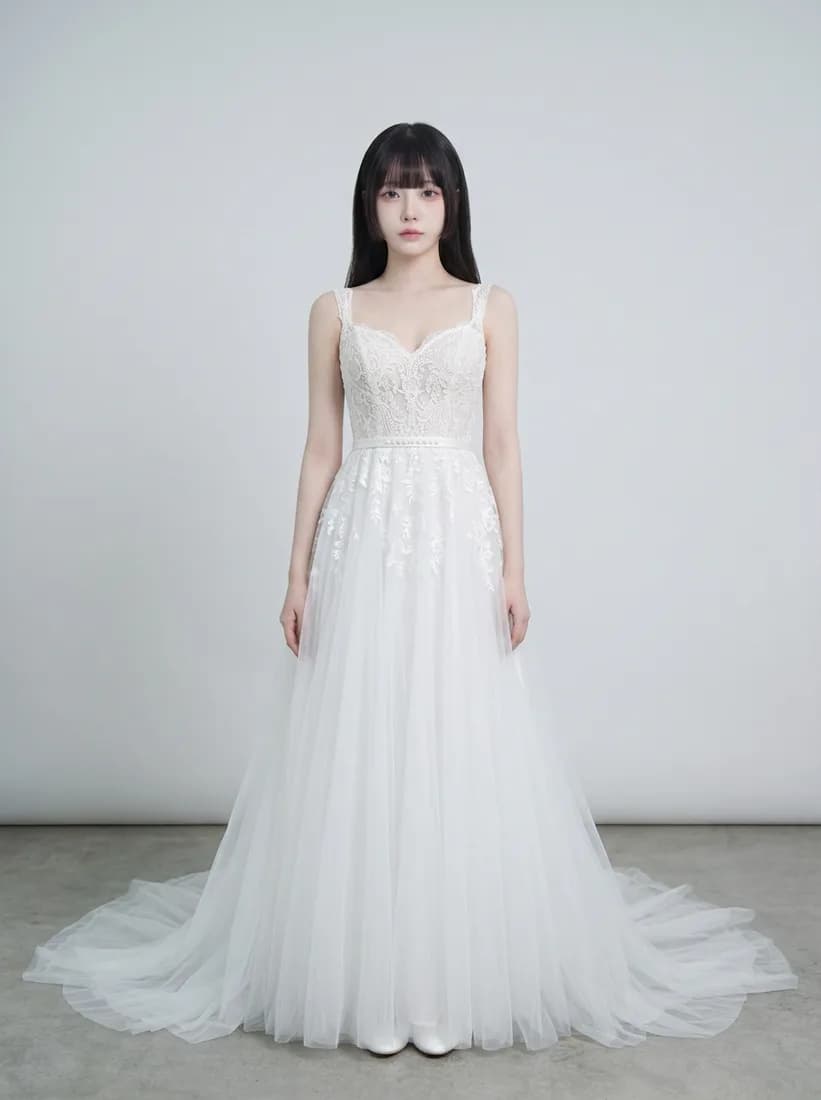
AI preview
How to try on a wedding dress online
Use it to narrow down styles before a bridal appointment.
Upload a full-length photo
Stand facing the camera with your whole body visible and arms away from your sides. Fitted clothes help the AI read your shape.
Add the gown picture
Use one clear picture of the dress: a product photo, a mannequin shot or a model wearing it. Avoid collages and cropped hems.
Generate and compare
Sign in, check the credit cost and generate. Try several gowns with the same photo to compare silhouettes side by side.
Credits, login and downloads
Know what is included before you upload.
- Credit balance
- Generation requires credits. Sign in to check your balance and purchase a credit plan if needed.
- Account required
- You can explore examples before signing in. An account and enough credits are required to generate your own image.
- Watermark
- AI Clothes Changer does not add a visible watermark when downloading the returned image. Provider-generated marks, if present, are not removed.
- Output resolution
- Nano Banana 2: 3 credits, 1K output; Nano Banana Pro: 8 credits, 2K output; GPT Image 2.5 Flare: 2 credits, 1K output; Flux 2 Pro: 2 credits, 1K output; Seedream 5.0 Pro: 8 credits, 2K output. Actual pixel dimensions depend on aspect ratio. This is a visual preview, not a size or fit measurement.
- Credit usage
- Generation costs depend on the selected model. Each new generation uses credits. A paid plan adds credits; check Pricing for its expiry and usage terms.
Wedding dress try-on questions
Will the dress look exactly like the one in the shop?
The AI follows the silhouette, neckline and main fabric of the reference, but lace patterns, beading and train length can differ. Treat it as a style preview and see the real dress in person.
Can this tell me my size or how the dress will fit?
No. The image does not measure your body. Use the bridal shop’s size chart and a fitting for sizing.
Can I design a new wedding dress here?
This page tries on a dress you already have a picture of. To describe a new outfit in words, use the text mode on the AI Clothes Changer home page.
Which gown pictures work best?
A front-facing photo of the whole dress on a plain background works best. Pictures where the skirt is cropped, folded or covered by other people give weaker results.
Is my photo private?
Generated images are stored for 14 days so you can download them. See the Privacy Policy for how uploads are handled.
What does a preview cost?
An account and enough credits are required. The cost per image is shown beside the Generate button and depends on the selected model.
Have another gown in mind?
Keep the same photo and try the next dress to compare styles.